If you ask an AI how to start a personal blog, it will point you straight to WordPress. That's a reasonable answer for most people, but it comes with a database, a host to manage, and a plugin ecosystem to keep patched — and the security surface that comes with all of it. For a personal blog, that's overkill.
With today's tooling, markdown for text and git for versioning is often enough. That search led me to VitePress. After experimenting with it for documentation-driven development, it stood out for its enhanced markdownFootnotes, custom containers, code groups, and line-highlighting all work out of the box, no plugin hunting required., its speed, and how little configuration it needs to get a site running.
There was one problem: almost every VitePress theme is built for documentation, not for blogging. Dense sidebars, "Edit this page" links, and API-reference layouts don't make sense for a stream of personal posts.
Discover LTheme
That gap is why I built LTheme, a VitePress theme for writers who want their blog to read like a book. It leans on classic typography and Tufte-style margin sidenotes instead of a documentation sidebar, and ships with a paginated post archive, tags, and categories out of the box.
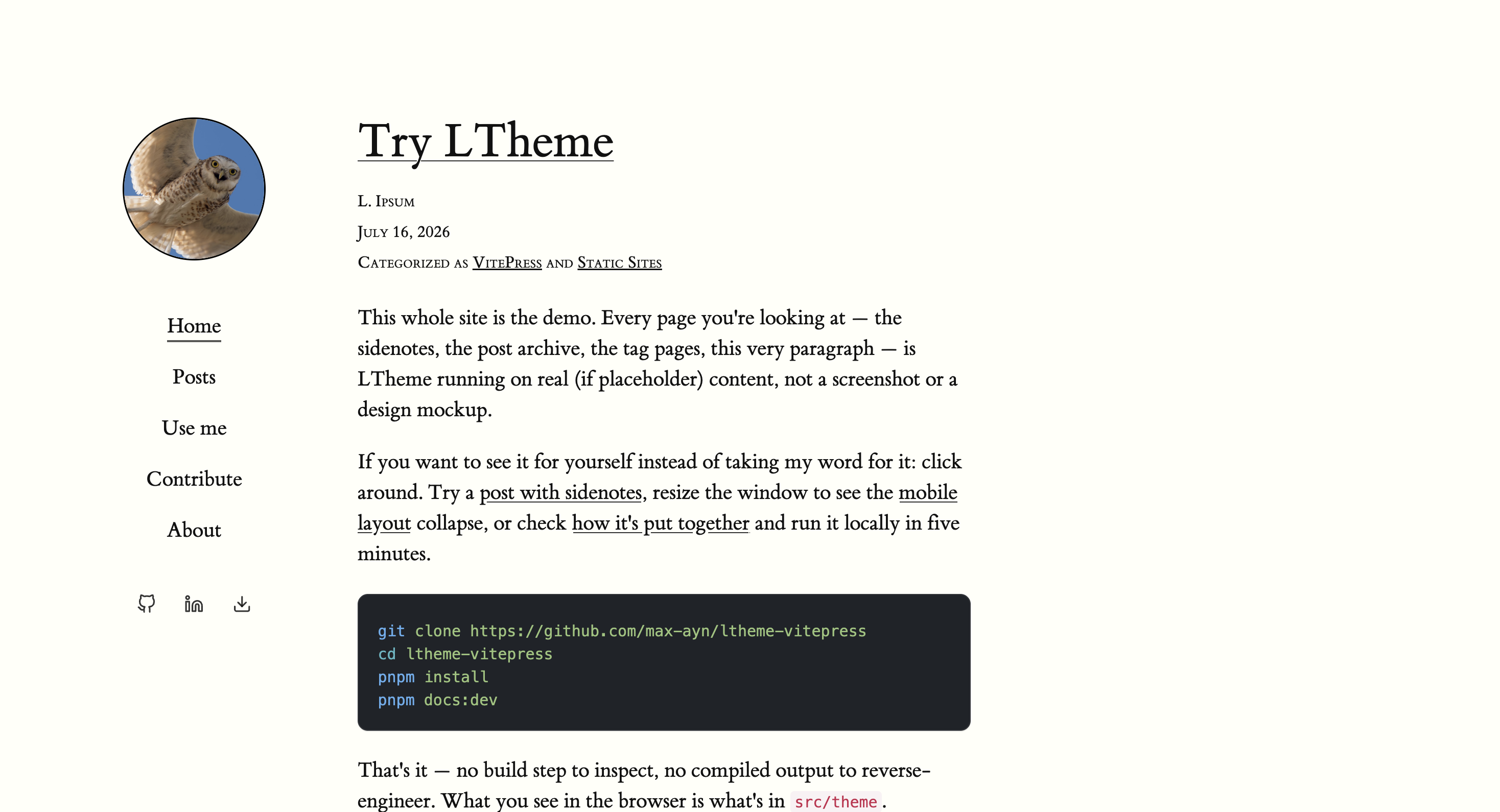
It's MIT-licensed, and you can have it running locally in about two minutes:
git clone https://github.com/max-ayn/ltheme-vitepress
cd ltheme-vitepress
pnpm install
pnpm docs:dev
The theme isn't on npm yet, so if you're integrating it into an existing VitePress project, copy the theme directory in for now until that's published.
Join Vaab
Create your own VaaB — VitePress as a Blog — and get a static, git-versioned blog without the database, the host, or the plugin treadmill. VitePress isn't just for documentation; it can be your blog too.
Want to see more themes before committing? The VitePress themes page is a good place to explore and compare options.