The Problem: Formatting is a Distraction
Creating a resume should be about content, but it usually turns into a battle with margins. Every update—a new job, a side project, or a tailored version for a specific role—requires manual work across multiple files. If you want to change the font or layout, you often have to rebuild the entire document. I wanted a single source of truth: one file that holds all my professional history, which I can then "query" and style programmatically.
What’s Missing in Current Tools
There are plenty of Markdown resume generators out there. However, most follow a rigid 1-to-1 mapping: your Markdown headers become HTML headers, and that’s it. If you want a complex sidebar or a specific "skills" block, you usually have to hack the underlying template or write raw HTML.
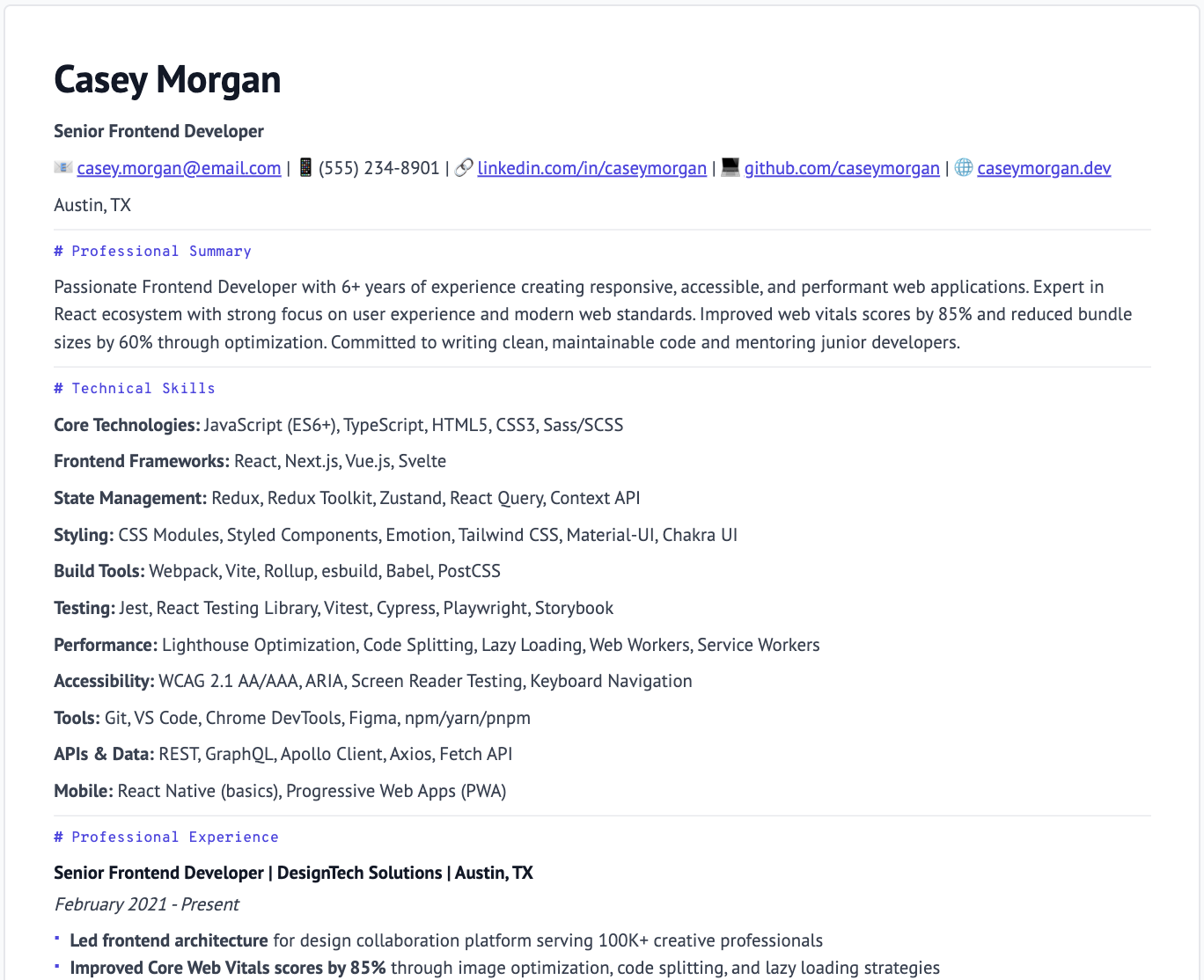
I realized that Markdown is the right input, but it needs a semantic layer to give the builder more control over layout and visibility.
The Approach: Markdown + Semantic Metadata
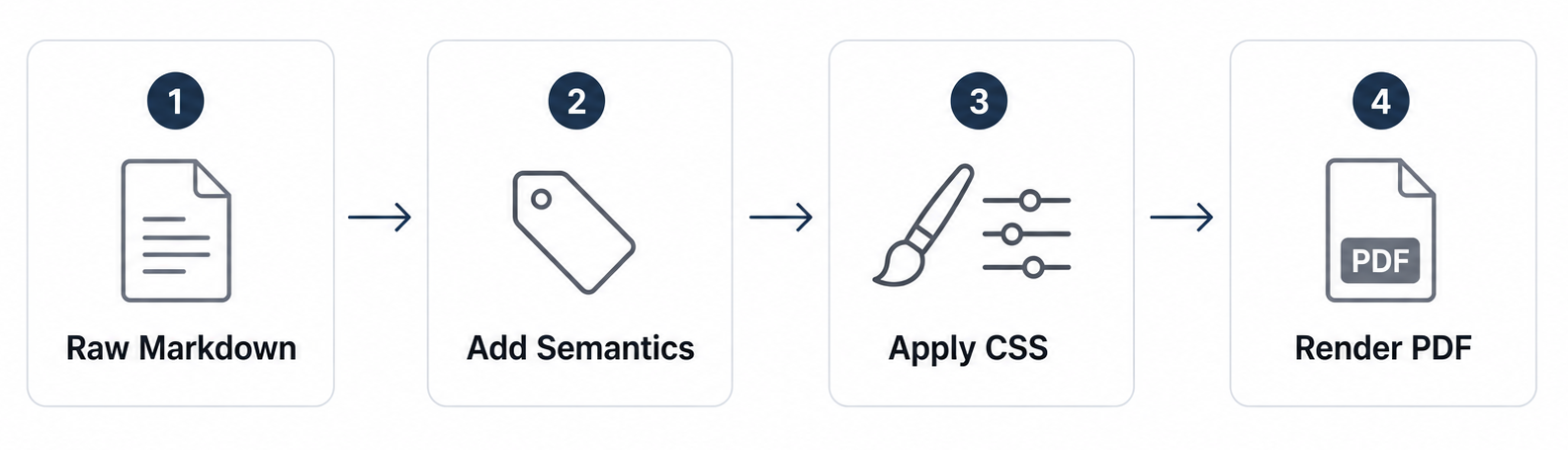
Inspired by tools like Quarto or VitepressIf you’ve used VitePress, this "Markdown-as-Config" pattern will feel familiar. Just as VitePress uses frontmatter to toggle sidebars or layouts, I treat the YAML block as a "control panel." It allows me to swap themes or toggle document regions without ever touching the actual content of the resume., I designed a workflow that treats a resume like a structured data object rather than just a text file. The system uses three layers:
- YAML Frontmatter: For document-wide specs (fonts, layout flags, and asset paths).
- Semantic Blocks: Custom containers (using the :::block syntax) to define document regions like experience or sidebar.
- Custom Attributes: In-line tags (like @date or @org) that map content to specific CSS styles.
1. Defining the Structure (YAML)
The frontmatter allows you to toggle entire sections or swap themes without touching the content.
---
template: resume
page: { size: A4, margin: 0 }

# Toggle regions easily for different versions
regions:
  header:  { enabled: true }
  sidebar: { enabled: false }
  footer:  { enabled: true }

render:
  icons_enabled: true
  allow_nested_blocks: true
---
2. The Semantic Content
Instead of just using ## Experience, I use blocks that the parser understands. This allows the CSS to know exactly what a "job title" is versus a "tech stack."
## Experience

:::block{kind=job role=experience}
### Software Engineer — Meteomatics
@date Nov 2024 – Present
@org Meteomatics
@stack React, Node.js, Docker, Nomad

- Built a fullstack ecosystem for weather data and drone monitoring.
- @hidden Note: Internal project regarding XYZ API (private).
:::
The @hidden tag is my favorite feature. It allows me to keep "master notes" in my source file that I can toggle off for public versions, keeping my private thoughts and public resume in one place.
The Tech Stack
I chose Deno for the CLI pipeline because of its first-class TypeScript support and "zero-config" philosophy. It makes the tool fully portable.
- Parser: A custom processor that handles the semantic
@tags. - Rendering: Styled HTML generated via modular CSS themes.
- PDF Export: I integrated Playwright (Chromium) to ensure the PDF output is a pixel-perfect match of the browser print preview.
Next Steps
This is an evolving project. My roadmap includes:
- VSCode Extension: For a side-by-side live preview, and semantics / autocompletion, project management and versioning.
- AI Integration: A prompt-based assistant to help rewrite bullet points for better impact.
Links
- GitHub Repository: max-ayn/markdown-resume
- Live Examples: Explore Themes